

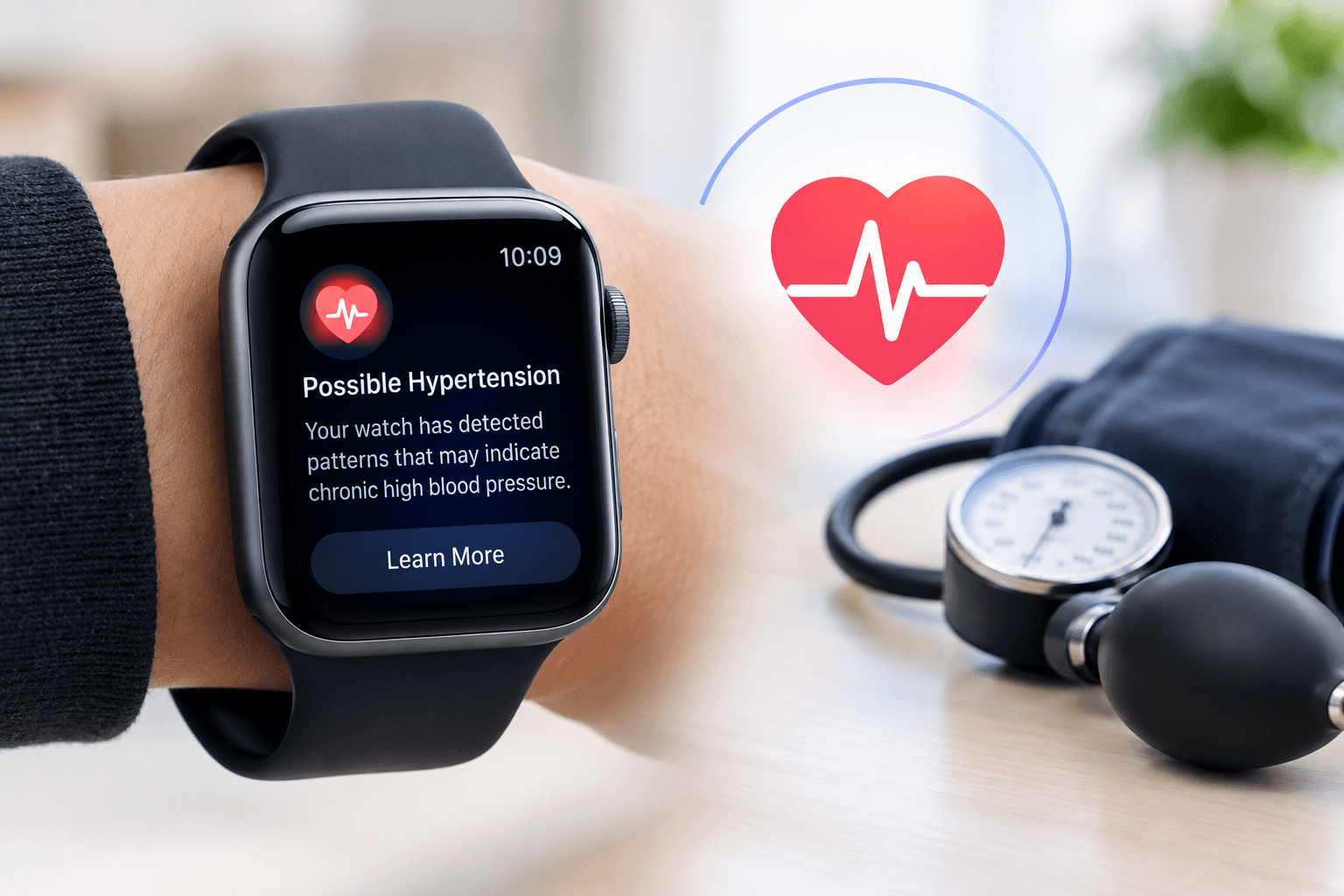
Apple Watch’s hypertension notification feature uses the device’s existing optical heart sensor to flag possible signs of chronic high blood pressure, but it does not measure blood pressure directly and is not a replacement for a medical-grade blood pressure cuff. The FDA-cleared feature works on Apple Watch Series 9 and later, plus Apple Watch Ultra 2 and later, passively analyzing data over 30-day periods and prompting users to consult a doctor if it detects a consistent pattern.
Quick Answer
- What it does: Analyzes how your blood vessels respond to heartbeats over 30-day periods to flag possible signs of chronic hypertension.
- What it does not do: Give you an actual blood pressure number, the way a cuff does.
- Compatible devices: Apple Watch Series 9 and later, and Apple Watch Ultra 2 and later.
- Regulatory status: Cleared by the US Food and Drug Administration.
- What to do if notified: Share the results with a doctor for a proper diagnosis.
Why Hypertension Detection Matters
High blood pressure, or hypertension, affects an estimated 1.3 billion adults worldwide, and it is a leading risk factor for heart attack, stroke, and kidney disease. One of the most dangerous aspects of the condition is that it often produces no noticeable symptoms until it has caused serious damage, which is why so many cases go undiagnosed for years. A passive, always-on monitoring tool on a device people already wear daily has the potential to catch warning signs earlier than they might otherwise be noticed.
How the Feature Actually Works
Apple Watch already uses an optical heart sensor to measure heart rate. For hypertension notifications, that same sensor is used to analyze how a person’s blood vessels respond to each heartbeat, using a custom algorithm developed with machine learning and training data collected from studies involving more than 100,000 participants. The analysis runs passively in the background over a rolling 30-day window. If the watch detects consistent patterns that may indicate chronic high blood pressure, it sends a notification encouraging the wearer to log symptoms and share the results with a healthcare provider.
What Blood Pressure Numbers Actually Mean
A traditional blood pressure reading consists of two numbers: systolic pressure, which measures the force in your arteries as your heart beats, and diastolic pressure, which measures the pressure between heartbeats. Apple Watch’s hypertension feature does not generate either of these numbers. Instead of a cuff-style reading, it produces a notification based on patterns detected over time, which functions more like an early-warning signal than a diagnostic measurement.
Which Devices Support It
The hypertension notification feature is available on Apple Watch Series 9, Series 10, and Series 11, along with Apple Watch Ultra 2 and Ultra 3, and continues to be supported on newer models including Series 12. It requires a paired iPhone running a compatible version of iOS and is available in more than 150 countries and regions, including the US and the EU, following FDA clearance.
What to Do If You Get a Notification
Apple designed the feature as a prompt to seek medical advice, not as a standalone diagnosis. If your Apple Watch sends a hypertension notification, the recommended next step is to log any symptoms in the Health app and schedule an appointment with a doctor, who can confirm whether you actually have high blood pressure using a proper medical-grade blood pressure monitor. The notification on its own is not sufficient grounds for starting or changing any blood pressure medication.
How This Fits Into Apple’s Broader Health Strategy
Hypertension notifications sit alongside other FDA-cleared Apple Watch health features, including the ECG app for detecting signs of atrial fibrillation, available since 2018, and more recently introduced tools for detecting signs of sleep apnea. Apple has also been linked to ongoing work on noninvasive blood glucose monitoring, suggesting the Apple Watch is likely to keep expanding into passive health monitoring in the years ahead, competing directly with dedicated health wearables from Samsung, Garmin, Oura, and Whoop.
How This Compares to Other Wearable Health Features
Apple is not the only company adding passive blood pressure insight to a wearable. Samsung’s Galaxy Watch line and Huawei’s Watch D2 have taken different approaches, some requiring a one-time calibration against a traditional cuff before they can generate estimated readings, which is a meaningfully different design choice from Apple’s pattern-based, cuff-free notification system. Whoop, the maker of screen-less fitness bands, has also pushed into blood pressure tracking, though it has faced pushback from the FDA over how those features are marketed. Understanding these differences matters if you are choosing between wearables specifically for blood pressure insight, since “blood pressure monitoring” can mean very different things depending on the device and its regulatory clearance.
Limitations Worth Understanding
Because the feature relies on pattern detection over a rolling 30-day period rather than a single measurement, it is not designed to catch a sudden, acute spike in blood pressure, and it will not provide same-day feedback the way a cuff would. It also depends on consistent daily wear, since gaps in data collection can delay how quickly the algorithm can identify a meaningful pattern. People with existing hypertension diagnoses should continue following their doctor’s monitoring plan rather than relying on the watch as their primary tracking method.
Frequently Asked Questions
Can Apple Watch actually measure my blood pressure?
No. It analyzes patterns in how your blood vessels respond to heartbeats over 30-day periods and sends a notification if it detects signs of chronic hypertension, but it does not produce a systolic or diastolic reading like a blood pressure cuff.
Which Apple Watch models support hypertension detection?
Apple Watch Series 9 and later, along with Apple Watch Ultra 2 and later, including current models such as Series 12.
Is the hypertension feature FDA cleared?
Yes, the US Food and Drug Administration cleared the feature, and it has rolled out in more than 150 countries and regions.
What should I do if I get a hypertension notification?
Log any symptoms in the Health app and consult a doctor, who can confirm the finding with a proper blood pressure measurement.
Does this replace a doctor visit or blood pressure cuff?
No. Apple positions the feature as an early-warning prompt to seek medical advice, not as a diagnostic tool or a replacement for professional testing.