
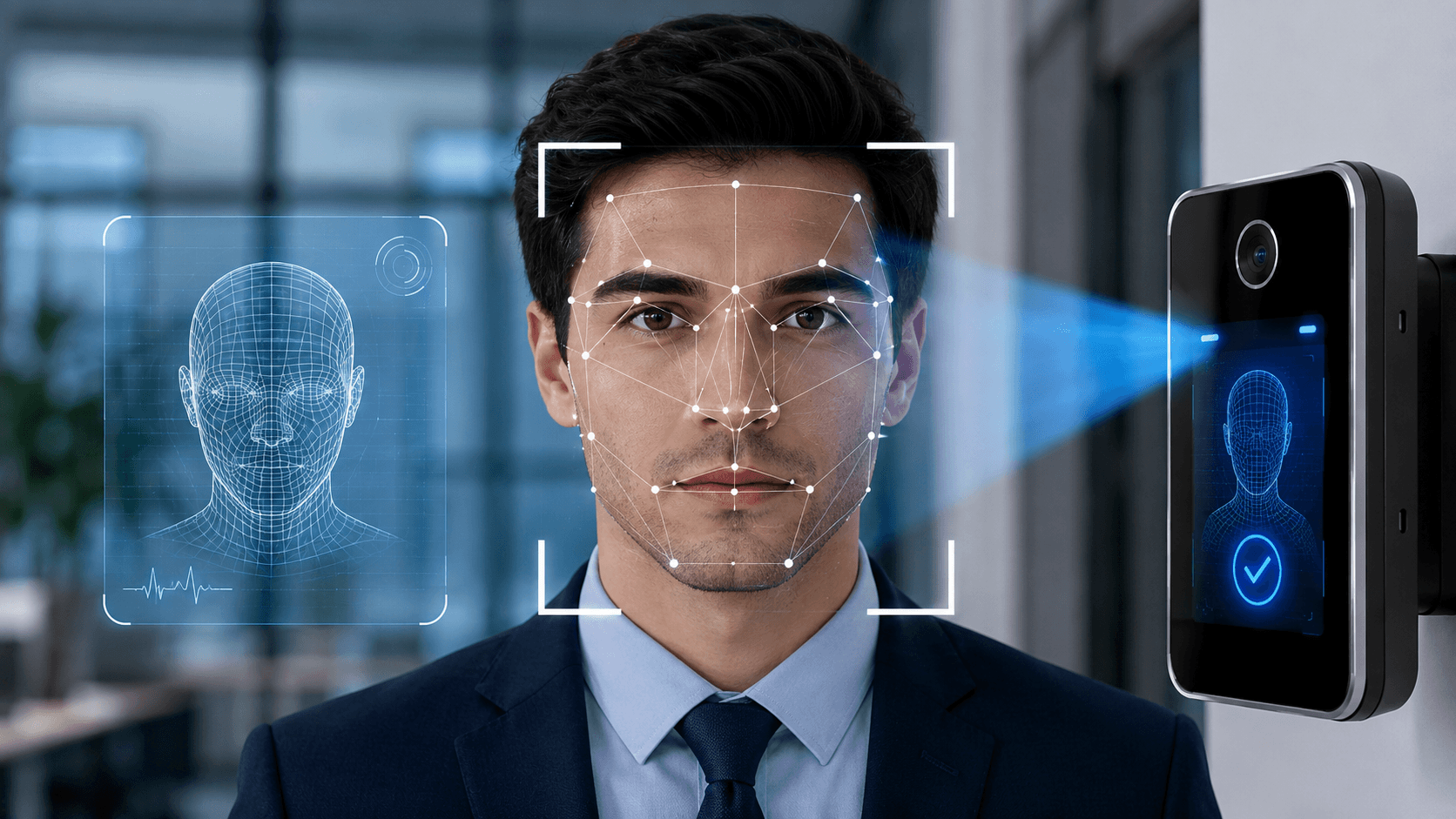
Liveness detection is a biometric security check that confirms a real, live person is present during face verification, instead of a photo, screen replay, mask, or deepfake. It can be active, where the user performs an action, or passive, where software analyses a normal selfie or video for signs of a real face.
Key takeaways
- Liveness detection protects remote identity checks from spoofing and deepfakes.
- Active liveness asks users to act; passive liveness analyses a selfie without extra steps.
- Look for independent testing against ISO/IEC 30107 presentation attack detection standards.
- Choose on-premise, cloud, or on-device deployment based on data rules and scale.
In this guide
- What Is Liveness Detection?
- Why Liveness Detection Matters
- Common Attacks Liveness Detection Must Handle
- Active vs Passive Liveness Detection
- How Liveness Detection Works
- Standards and Testing
- On-Premise vs Cloud vs On-Device Liveness Detection
- Where Liveness Detection Is Used
- Privacy and Compliance
- How to Choose a Liveness Detection Solution
- Frequently Asked Questions
Last updated: October 2026
Online banks, crypto exchanges, and digital services increasingly ask you to take a selfie to prove who you are. The risk is that criminals try to fool these checks with printed photos, screen replays, masks, or AI-generated faces. Liveness detection is the safeguard that tells a real, present person from a fake. This guide explains how it works, the different types, and how to choose and deploy it, including on-premise setups.
What Is Liveness Detection?
Liveness detection is a biometric security technique that checks whether the face, fingerprint, or other trait being presented belongs to a real, live person at the time of the check. It is a core part of remote identity verification and is often used together with face matching and document checks, as described in our guide to KYC verification.
Why Liveness Detection Matters
- Stops spoofing: without it, a stolen photo could unlock an account.
- Reduces fraud: prevents account takeover and fake account creation.
- Supports compliance: strengthens identity checks for regulated services.
- Counters deepfakes: modern systems look for signs of synthetic media and injected video.
Common Attacks Liveness Detection Must Handle
| Attack | Description |
|---|---|
| Print attack | A printed photo held up to the camera |
| Screen replay | A video or photo shown on another device |
| Mask or 3D model | A silicone, paper, or 3D-printed face |
| Deepfake | AI-generated or face-swapped video |
| Injection attack | Fake video fed directly into the software, bypassing the camera |
Active vs Passive Liveness Detection
| Aspect | Active liveness | Passive liveness |
|---|---|---|
| User action | Asked to blink, smile, turn the head, or follow a prompt | None, or just a normal selfie |
| How it works | Challenge and response | Analyses image or video for signs of a real face |
| User experience | More steps, slower | Faster, smoother |
| Risk | Pre-recorded or AI-generated responses can be a threat | Needs strong analysis models |
How Liveness Detection Works
- Texture analysis: real skin and printed or screen surfaces look different.
- Depth and 3D cues: checks that the face has real depth.
- Motion and micro-movements: natural blinking, expression changes, and head movement.
- Light and reflections: screens and masks reflect light differently from real skin.
- Device and camera checks: detects virtual cameras and tampering to resist injection attacks.
- Machine learning: models trained on real and fake examples to spot subtle clues.
Standards and Testing
Anti-spoofing is formally known as presentation attack detection (PAD). The international standard series ISO/IEC 30107 defines how to test it, including metrics such as the attack presentation classification error rate (APCER) and the bona fide presentation classification error rate (BPCER). Independent labs, such as iBeta, test products against these standards. When you evaluate a vendor, ask for independent test reports, not just claims.
On-Premise vs Cloud vs On-Device Liveness Detection
| Deployment | Pros | Cons | Best for |
|---|---|---|---|
| On-premise | Data stays inside your own infrastructure, strong control, supports strict data rules | You manage hardware, updates, and scaling | Banks, government, and regulated sectors |
| Cloud | Easy to scale, always updated, faster to launch | Biometric data leaves your environment, depends on vendor security | Fast-growing apps and startups |
| On-device | Fast, works offline, minimal data sent | Depends on phone capability, harder to update centrally | Mobile apps with privacy needs |
On-premise deployment is often chosen when laws, contracts, or internal policy require that biometric data never leaves the organisation.
Where Liveness Detection Is Used
- Online account opening and remote KYC
- Mobile banking and payment approval
- Cryptocurrency and fintech onboarding
- Government and e-ID services
- Access control and workforce check-in
- Age checks, where it supports technology such as AI age estimation
- Online exams and remote hiring
Privacy and Compliance
Biometric data is sensitive. Many laws, such as the GDPR in Europe and various state laws in the US, set strict rules on how it can be collected, stored, and used. Collect only what you need, explain it clearly, get consent where required, delete data when it is no longer needed, and offer an alternative route for people who cannot or prefer not to use face scanning.
How to Choose a Liveness Detection Solution
- Ask for independent test results against recognised PAD standards.
- Check resistance to deepfakes and injection attacks, not just print and replay.
- Test fairness. Performance should be consistent across skin tones, ages, and genders.
- Review user experience: speed, instructions, and accessibility.
- Decide on deployment: on-premise, cloud, or on-device.
- Check data handling: storage, retention, and deletion.
- Plan for fallback: manual review for failed or uncertain checks.
Frequently Asked Questions
It is a technology that verifies a real, live person is present during a biometric check, rather than a photo, video, mask, or synthetic face.
Active liveness asks the user to perform actions such as blinking or turning their head. Passive liveness analyses a normal selfie or video with no extra steps.
Good systems can detect many deepfakes and injection attacks, but no system is perfect. Look for independent testing and layered security.
It means running the liveness software on your own servers or infrastructure, so biometric data stays inside your organisation.
No. Liveness detection checks that the person is real and present, while facial recognition checks who they are. They are often used together.
The ISO/IEC 30107 series covers presentation attack detection testing, and independent labs such as iBeta test products against it.
This article is general information and not legal advice. Biometric data rules differ by country and region.