
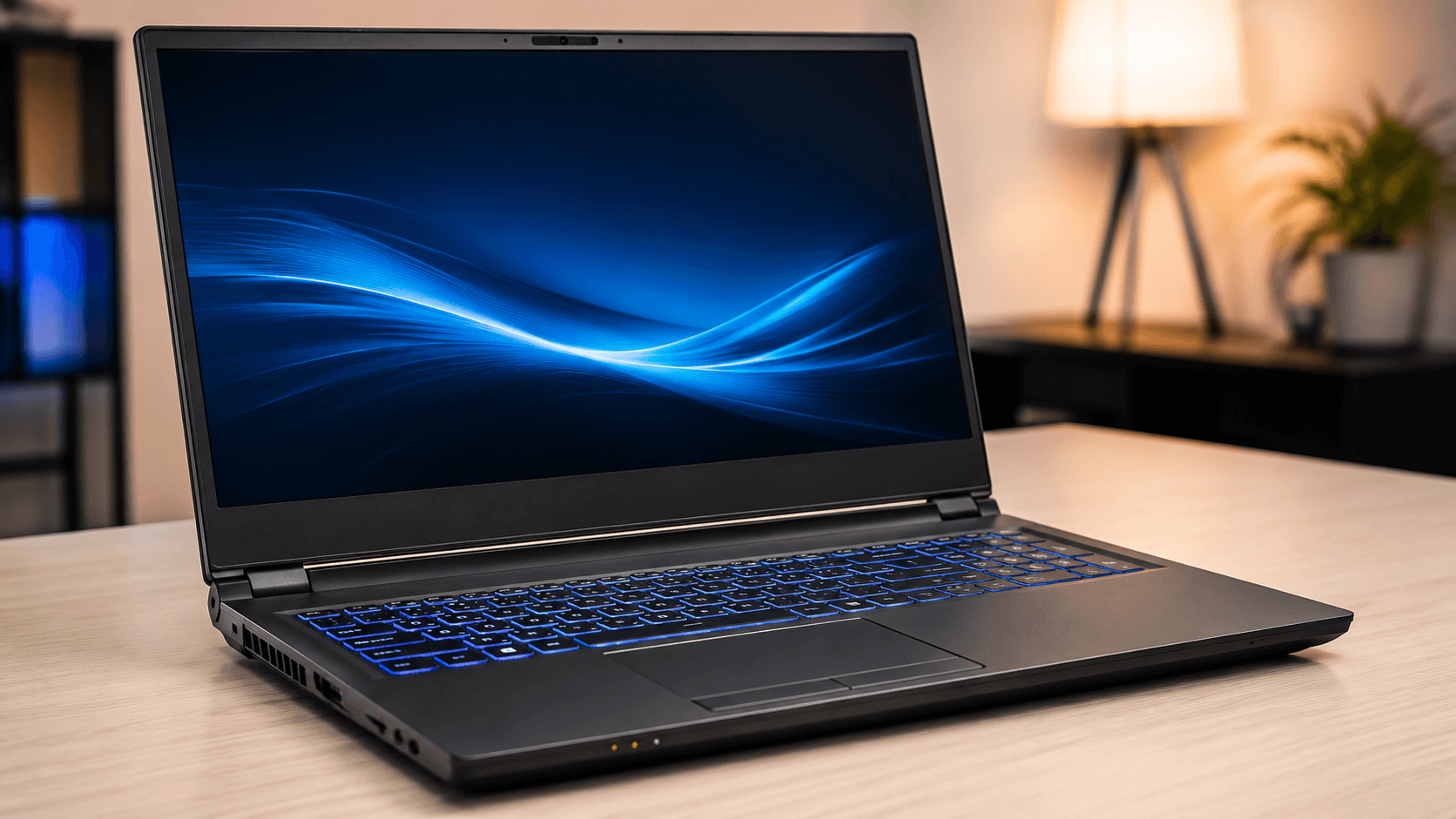
To choose a laptop, start with how you will use it, then match the processor, RAM (16 GB is a good target for most people), SSD storage (512 GB is a common starting point), display, graphics, battery life, and ports to those needs. Compare independent reviews and benchmarks, and check warranty and repairability before you buy.
Key takeaways
- Decide your main use first: study, office, creative work, gaming, or programming.
- 16 GB of RAM and a 512 GB SSD are a sensible starting point for most people.
- Check independent battery tests, screen quality, and benchmarks rather than marketing claims.
- Review warranty, support, and repairability, especially for white-label brands.
In this guide
- Start With How You Will Use It
- Processor (CPU)
- Memory (RAM)
- Storage
- Display
- Graphics (GPU)
- Battery Life and Charging
- Ports, Keyboard, and Build
- Repairability, Warranty, and Efficiency
- Brands and White-Label Laptops
- Setting a Budget
- Laptop Buying Checklist
- Common Mistakes When Buying a Laptop
- Frequently Asked Questions
Last updated: October 2026
Laptop spec sheets are full of numbers and codes, and it is easy to overspend on features you do not need or underspend on the ones that matter. The right laptop depends on what you will do with it, how long you want it to last, and how much you can spend. This guide explains each key specification in plain language and gives a simple process for choosing.
Start With How You Will Use It
| Use | What matters most |
|---|---|
| School and study | Battery life, light weight, a good keyboard, and a fair price |
| Office and remote work | Reliable performance, a good webcam and microphone, and comfortable typing |
| Creative work (photo, video, design) | A colour-accurate screen, more RAM, a strong processor, and fast storage |
| Gaming | A dedicated graphics card, a high refresh-rate screen, and good cooling |
| Programming and data | More RAM, fast storage, and a comfortable screen and keyboard |
Processor (CPU)
The processor sets how fast your laptop feels. For everyday browsing, documents, and video calls, a modern mid-range processor is plenty. For video editing, gaming, or programming, choose a stronger processor. Compare chips using independent benchmarks such as PassMark and laptop reviews on Notebookcheck, rather than relying on marketing names or model numbers alone.
Memory (RAM)
- 8 GB: enough for basic use but can feel limited with many browser tabs.
- 16 GB: a good target for most people and for multitasking.
- 32 GB or more: for heavy video editing, large datasets, or virtual machines.
Check whether the RAM can be upgraded later, because some thin laptops have it soldered to the board.
Storage
Choose a solid-state drive (SSD) rather than a hard disk drive, as it makes starting up and opening programs much faster. A capacity of 512 GB is a comfortable starting point for many people, and more if you store lots of photos, games, or video. External drives and cloud storage can add space.
Display
- Resolution: full HD (1920 by 1080) is a good baseline, and higher resolution suits creative work.
- Panel type: IPS or OLED panels usually give better colour and viewing angles than basic panels.
- Brightness: around 300 nits or more is helpful in bright rooms.
- Refresh rate: 60 Hz is standard, while 120 Hz or higher is popular for gaming.
- Size: 13 to 14 inches for portability, 15 to 16 inches for a bigger workspace.
Graphics (GPU)
Integrated graphics are fine for everyday use and light creative work. A dedicated graphics card helps for gaming, 3D, and video editing. If you plan to game, see our beginner guide to getting into esports for tips on what to prioritise.
Battery Life and Charging
Manufacturer battery claims are often optimistic. Look at independent test results in reviews, and check whether the laptop charges over USB-C, which makes it easier to use one charger for several devices.
Ports, Keyboard, and Build
- Ports: check for USB-A, USB-C, HDMI, and an SD card slot if you need them.
- Keyboard and trackpad: try them in a shop if you can, since typing comfort is personal.
- Weight and build: a lighter laptop is easier to carry, but check that it feels sturdy.
- Webcam and microphone: important for video calls.
Repairability, Warranty, and Efficiency
Laptops last longer when they can be repaired and upgraded. Sites such as iFixit rate repairability, and an ENERGY STAR label shows energy-efficient models. Check the warranty length and what it covers, and read the return policy.
Brands and White-Label Laptops
Major brands include Lenovo, Dell, HP, ASUS, Acer, and Apple. Some laptops are built on chassis made by original design manufacturers, such as Clevo, and then sold under different names by resellers. These can offer strong specifications for the price, but support, warranty, and software updates vary by seller, so check them carefully before you buy.
Setting a Budget
- Decide your maximum spend and what you need most.
- Spend more on the processor, RAM, and SSD, which affect daily speed.
- Compare models using reviews and benchmarks.
- Consider refurbished or previous-generation models from reputable sellers for better value.
- Factor in accessories such as a case and a mouse.
If you are planning a larger purchase, our guides to personal finance and financial planning can help you budget. Creative users may also be interested in our introduction to AI art generators, which can be demanding on hardware.
Laptop Buying Checklist
| Item | Suggested starting point |
|---|---|
| RAM | 16 GB for most people |
| Storage | 512 GB SSD |
| Display | Full HD IPS, around 300 nits or more |
| Battery | Check independent test results |
| Ports | Match your devices and accessories |
| Warranty | At least one year, with clear support |
Common Mistakes When Buying a Laptop
- Buying on processor name alone. Check the benchmarks and real reviews.
- Too little RAM or a slow hard drive. These make a laptop feel old quickly.
- Ignoring the screen. You will look at it all day.
- Believing battery claims. Check independent tests.
- Skipping warranty and support details. They matter if something fails.
Frequently Asked Questions
Eight gigabytes is enough for basic use, but 16 GB is a better target for most people and for multitasking.
Yes. An SSD is much faster, so the laptop starts up and opens programs more quickly.
Only for gaming, 3D work, and some video editing. Integrated graphics are fine for everyday use.
Thirteen to fourteen inches suits portability, while fifteen to sixteen inches gives a bigger workspace.
With good care, many laptops last several years. Repairability, upgradeable parts, and software support all affect lifespan.
They can offer strong specifications for the price, but check the seller warranty, support, and software updates carefully.
This article is general buying advice. Specifications and prices change quickly, so check current reviews before you buy.