
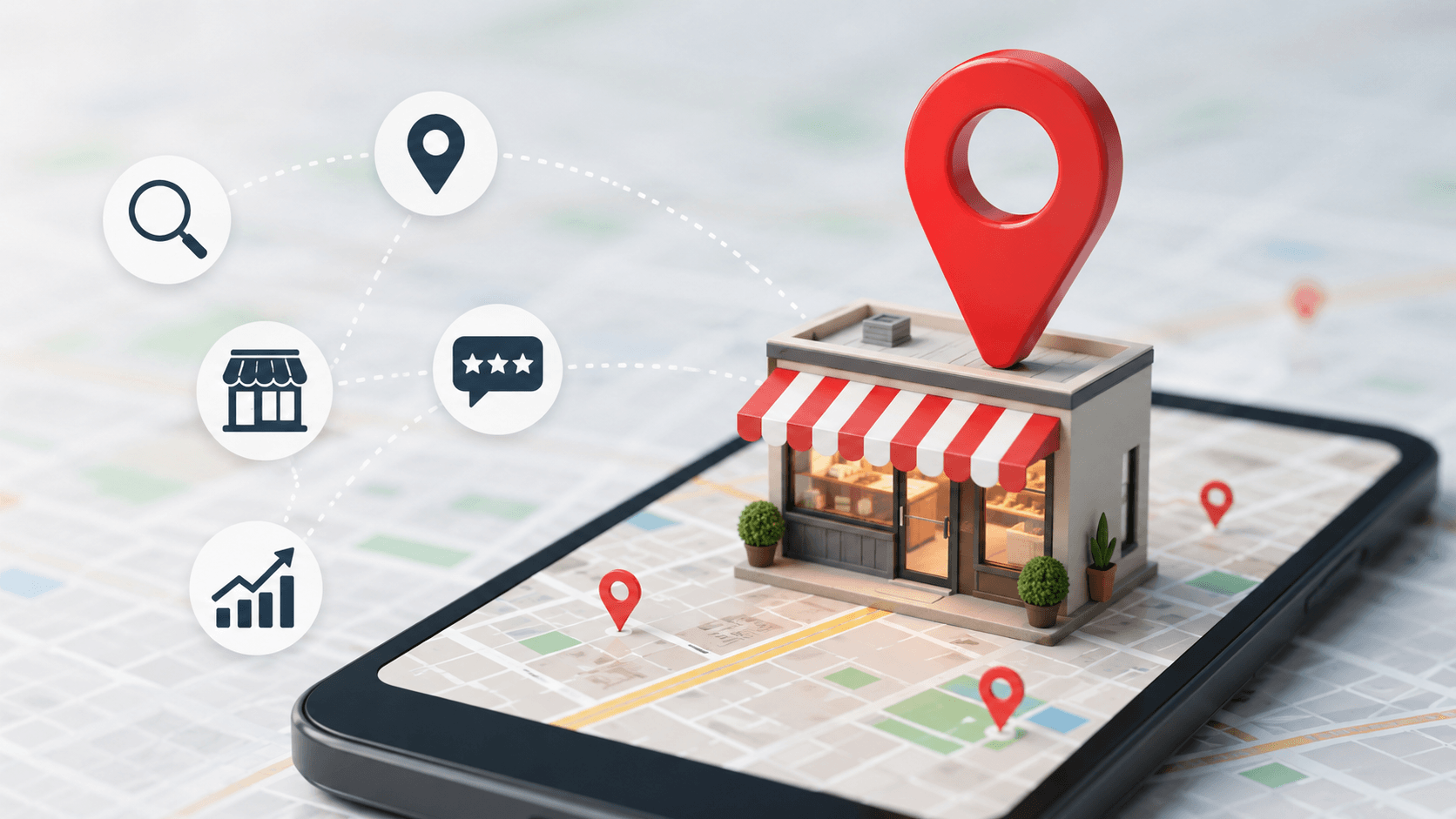
To do local SEO, claim and fully complete your Google Business Profile, keep your business name, address, and phone number consistent everywhere, collect genuine customer reviews, create unique location pages on your website, and earn links and citations from local sources. Then track calls, directions, and clicks each month.
Key takeaways
- Google ranks local results by relevance, distance, and prominence.
- A complete Google Business Profile is the single most important local asset.
- Reviews, consistent business details, and local links build prominence.
- Never buy reviews, stuff your business name with keywords, or use fake addresses.
In this guide
- What Is Local SEO and How Does Google Rank Local Results?
- Step 1: Claim and Complete Your Google Business Profile
- Step 2: Keep Your Name, Address, and Phone Consistent
- Step 3: Collect Genuine Reviews
- Step 4: Optimise Your Website for Local Search
- Step 5: Target Local Keywords
- Step 6: Build Local Citations and Links
- Step 7: Publish Local Content
- Step 8: Track Results
- Local SEO Checklist
- Common Local SEO Mistakes
- Frequently Asked Questions
Last updated: October 2026
When someone searches “plumber near me” or “best cafe in Leeds”, Google shows a map with a few local businesses, often called the local pack. Appearing there can bring calls, visits, and bookings without paying for ads. Local SEO is how you earn that visibility, and most of the work is simple once you know the order to do it in.
What Is Local SEO and How Does Google Rank Local Results?
Local SEO is the process of improving your visibility in location-based searches. Google explains that local results are mainly based on three factors: relevance (how well your profile matches the search), distance (how far you are from the searcher), and prominence (how well-known your business is, based on reviews, links, and mentions). Google’s own guide to improving your local ranking covers these in more detail.
Step 1: Claim and Complete Your Google Business Profile
Your Google Business Profile is the most important local asset. To set it up properly:
- Claim and verify your profile at Google Business Profile.
- Choose the most accurate primary category, then add relevant secondary ones.
- Enter your exact business name as used in real life, without keyword stuffing.
- Add accurate opening hours, phone number, website, and service areas.
- List your services or products with short descriptions.
- Upload real, high-quality photos of your premises, team, and work.
Step 2: Keep Your Name, Address, and Phone Consistent
Your business name, address, and phone number (often called NAP) should be identical across your website, social profiles, and directories. Inconsistent details confuse both customers and search engines.
Step 3: Collect Genuine Reviews
Reviews influence both rankings and clicks. Ask happy customers to leave a review, make it easy by sharing your direct review link, and reply to every review, including negative ones, politely and professionally. Never buy reviews or offer rewards in exchange for positive ones, as this breaks Google’s policies.
Step 4: Optimise Your Website for Local Search
- Put your city or area in your page titles, headings, and body text where it is natural.
- Create a separate page for each location or major service area, with unique content, not copied text.
- Add your address, phone number, and an embedded map on your contact page.
- Make the site fast and mobile-friendly. Our guide on how user experience affects SEO explains what to fix.
- Use clear calls to action, such as “Call now” or “Book online”.
Step 5: Target Local Keywords
Combine your service with your location and common modifiers, such as “emergency electrician in Bristol” or “vegan bakery near Camden”. Learn how to choose terms in our guide to SEO keywords, or research them using the Google Keyword Planner.
Step 6: Build Local Citations and Links
A citation is a mention of your business details on another site. List your business in reputable general and industry directories. Then earn links from local newspapers, chambers of commerce, sponsorships, suppliers, and community groups. A few relevant local links beat dozens of random ones.
Step 7: Publish Local Content
Useful local content shows expertise and attracts links. Examples include area guides, case studies of local customers, event write-ups, and answers to questions customers often ask. Avoid thin, repetitive pages that only swap the city name.
Step 8: Track Results
Use the insights in your Business Profile to see calls, direction requests, and website clicks. Combine them with Google Search Console. Our overview of Google Search Analytics shows how to read the data.
Local SEO Checklist
| Task | Done? |
|---|---|
| Google Business Profile claimed, verified, and fully completed | ☐ |
| NAP identical across website and directories | ☐ |
| Reviews requested and answered regularly | ☐ |
| Location and service pages with unique content | ☐ |
| Fast, mobile-friendly website | ☐ |
| Local citations and links built | ☐ |
| Photos and posts updated regularly | ☐ |
| Results tracked monthly | ☐ |
Common Local SEO Mistakes
- Keyword stuffing the business name. It can lead to suspension.
- Using a fake address or virtual office. Google requires a real presence for most listings.
- Ignoring reviews. Unanswered feedback hurts trust.
- Duplicate listings. Merge or remove them.
- Copying pages for each town. Thin duplicate pages add little value. For other beginner errors, read our guide to common SEO mistakes.
If you decide to get outside help, see how to choose wisely in our guide on how to choose an SEO agency, and for the bigger picture read our introduction to search engine optimization.
Frequently Asked Questions
Local SEO is improving your visibility in location-based searches, such as "near me" queries and map results.
Some improvements, like a complete Business Profile, can help within weeks. Stronger results often take a few months of steady effort.
It is strongly recommended. A profile alone can rank, but a good website builds trust and supports your ranking.
There is no fixed number. Aim for a steady flow of genuine, recent reviews and respond to each one.
Yes. Most small businesses can handle profile setup, reviews, and basic website changes on their own.
They are mentions of your business name, address, and phone number on other websites such as directories and local listings.
This guide is general information. Google policies and local results change over time, so check Google Business Profile help for current rules.