
In today’s fast-paced digital world, website speed plays a vital role in user experience, search engine rankings, and overall business performance. A slow-loading website can drive visitors away, reduce conversion rates, and negatively impact your SEO results.
This is where a website speed test tool becomes essential.
By using reliable tools such as Google PageSpeed Insights, GTmetrix, or your own tool on EveryToolfy.com, you can easily analyze your website’s loading speed and identify areas that need improvement.
In this comprehensive guide, you will learn how to effectively use a website speed test, understand key performance metrics, and optimize your website for better speed and performance.
A website speed test is an online tool that analyzes how quickly your website loads and performs across different devices and network conditions. It evaluates several key factors, including page size, server response time, and resource loading speed.
These tools generate detailed performance reports that help you identify bottlenecks and optimize your website for faster loading times and better user experience.
Before diving into the process, it’s essential to understand why website speed matters:
Improved User Experience: Faster websites keep users engaged and satisfied.
Better SEO Rankings: Search engines like Google prioritize fast-loading websites in their results.
Higher Conversion Rates: Speedy pages lead to more sign-ups, sales, and user actions.
Lower Bounce Rate: Visitors are less likely to leave a website that loads quickly.
Follow these simple steps to evaluate your website’s performance effectively:
Start by visiting a reliable tool such as Pingdom Tools or your own Website Speed Test on EveryToolfy.com.
Type your complete website URL (e.g., https://everytoolfy.com) into the input field.
Some tools allow you to select a server location. For more accurate results, choose a location closest to your target audience.
Click on the “Test,” “Analyze,” or “Start” button to begin the scan. The tool will analyze your website’s performance.
Within seconds, you will receive a detailed performance report highlighting speed metrics and areas for improvement.
Website speed testing tools provide a range of performance metrics. Understanding the most important ones can help you optimize your site effectively:
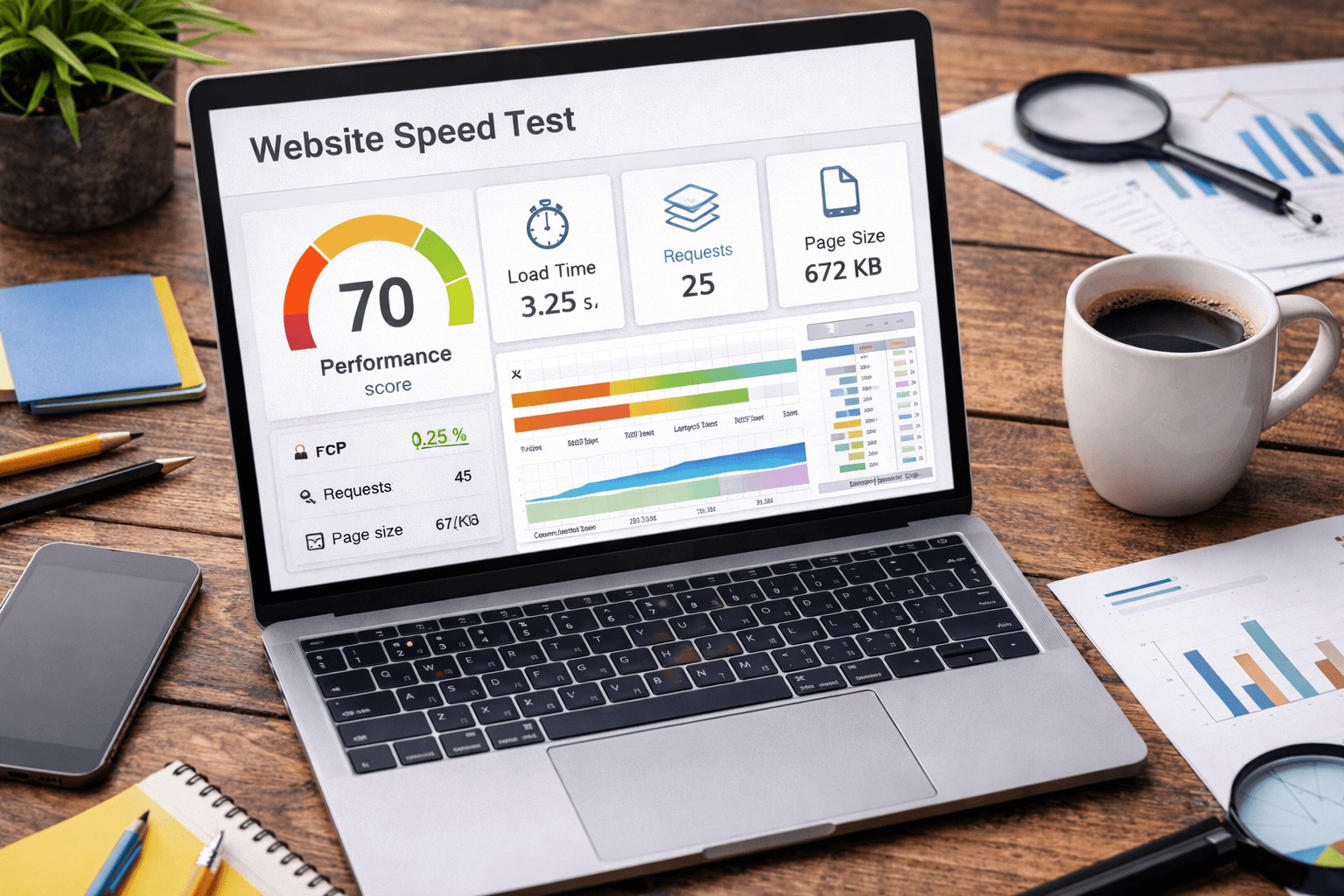
This metric shows how long your website takes to fully load. Ideally, it should be under three seconds for the best user experience.
FCP measures how quickly the first visible content appears on the screen, giving users their first visual feedback.
LCP indicates how long it takes for the main content of a page to load. It is a key factor in evaluating perceived load speed.
This refers to the combined size of all elements on your page, including images, scripts, and stylesheets. Smaller page sizes typically load faster.
This shows how many files (such as images, scripts, and CSS) your browser needs to load. Fewer requests generally improve loading speed.
A numerical score (usually out of 100) that reflects your website’s overall performance and optimization level.
After analyzing your results, apply these effective optimization strategies to boost your website’s performance:
Compress images before uploading to reduce file size. Use modern formats like WebP for better quality and faster loading.
Browser caching allows returning visitors to load your website faster by storing static files locally.
Remove unnecessary code, spaces, and comments to reduce file sizes and improve loading speed.
A CDN distributes your website content across multiple servers worldwide, ensuring faster access for users from different locations.
Choose a reliable hosting provider with fast and optimized servers to improve response time.
Use compression methods like Gzip or Brotli to reduce file sizes and speed up data transfer.
A high-quality website speed testing tool should include the following features:
Real-Time Performance Analysis: Provides instant insights into your website’s loading speed.
Detailed Reports with Recommendations: Offers actionable suggestions to improve performance.
Desktop and Mobile Testing: Ensures your website performs well across all devices.
Global Test Locations: Allows testing from multiple server locations worldwide for accurate results.
Waterfall Charts: Visualizes how each resource loads, helping you identify bottlenecks.
Core Web Vitals Monitoring: Tracks essential metrics defined by Google to measure user experience and page performance.
Website speed testing tools are designed to work seamlessly across all major platforms and devices:
Desktop Devices: Fully compatible with macOS and Windows operating systems.
Mobile Devices: Optimized for smartphones and tablets running iOS and Android.
Web Browsers: Supports all popular browsers, including Microsoft Edge, Mozilla Firefox, and Google Chrome.
Website speed testing tools are valuable for a wide range of users, including:
Website Owners: Monitor and maintain overall website performance.
Developers: Identify and fix technical issues affecting speed and functionality.
SEO Professionals: Improve search engine rankings by optimizing site performance.
Bloggers: Enhance user experience and keep readers engaged.
E-commerce Businesses: Increase conversions by ensuring fast and smooth browsing.
Follow these expert tips to get the most accurate insights and improve your website’s performance:
Test Your Website Regularly: Monitor performance consistently to catch issues early.
Compare Multiple Tools: Use different speed testing tools to get a more accurate and balanced analysis.
Focus on Mobile Performance: Ensure your website is fully optimized for mobile users.
Monitor Core Web Vitals: Keep track of key performance metrics defined by Google.
Fix High-Impact Issues First: Prioritize changes that deliver the biggest performance improvements.
The information provided is for informational purposes only. Website performance can be affected by factors such as network conditions, hosting quality, and site structure. For the most reliable analysis, always test your website using multiple speed testing tools.
EveryToolfy provides fast, free online tools for everyday tasks, including documents, photos, videos, SEO, calculators, security checks, and AI utilities.