
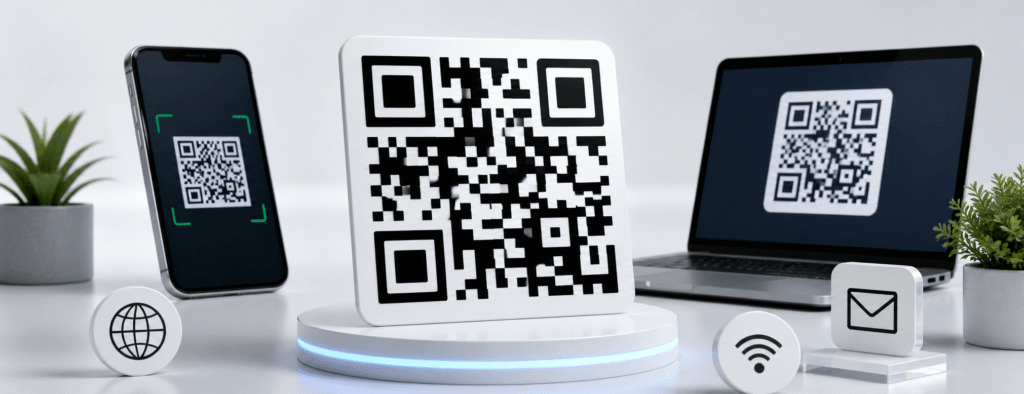
The Ultimate Guide to QR Codes Everything You Need to Know
In today’s modern digital era, the gap between the physical and digital worlds has been reduced to a simple square grid—the QR code. Whether you’re a business owner, digital marketer, or everyday user, knowing how to effectively use a QR code generator is essential for seamless and instant information sharing.
This powerful tool allows you to connect offline audiences with online content quickly and efficiently, making it a must-have in any digital strategy.
1. What is a QR Code?
A Quick Response (QR) code is a type of two-dimensional (2D) matrix barcode that was first developed in 1994 for the automotive industry in Japan. Unlike traditional barcodes, which store data in a single horizontal direction, QR codes can store information both horizontally and vertically. This advanced structure allows them to hold significantly more data—up to several hundred times more than standard barcodes—making them highly efficient for modern digital applications.
2. How Our QR Code Generator Works
Using our Online QR Code Generator is simple, fast, and highly efficient. Follow these easy steps to create your QR code in seconds:
- Choose the Data Type Select the type of content you want to encode—whether it’s a URL, text, email, or Wi-Fi credentials.
- Enter Your Information Input the required details into the provided field accurately.
- Generate Your QR Code Click the “Generate” button to instantly create your unique QR code.
- Download & Share Download your QR code in high resolution, perfect for both printing and digital use.
3. Static vs. Dynamic QR Codes: Which One Do You Need?
When creating content for your audience, it’s essential to understand the two main types of QR codes and how each serves different purposes.
Static QR Codes
A static QR code contains information that is permanently “hard-coded.” Once generated, its destination cannot be edited or updated. This makes static QR codes ideal for:
- Personal use (e.g., sharing your home Wi-Fi details)
- One-time events or campaigns
- Fixed content such as “About Us” pages or basic business information
Dynamic QR Codes
Dynamic QR codes use a short redirect URL, allowing you to update the destination link even after the code has been printed. This flexibility makes them an ideal choice for:
- Marketing campaigns where URLs need to be changed or updated frequently
- Tracking analytics, such as the number of scans and user engagement
- Efficient inventory and asset management
They offer a smart, scalable solution for businesses that require adaptability and real-time control over their QR code content.
4. Top 10 Use Cases for QR Codes in 2026
To maximize the value of your generated codes, consider these innovative applications:
Contactless Menus: Restaurants use them to allow customers to view menus on their own devices.
Digital Business Cards: Instead of carrying paper, let people scan your phone to save your contact details.
Wi-Fi Access: Give guests instant access to your network without typing long passwords.
App Downloads: Direct users straight to the Google Play Store or Apple App Store.
Event Registration: Simplify check-ins at conferences or weddings.
Product Packaging: Provide detailed “how-to” videos or nutritional facts.
Real Estate: Place codes on “For Sale” signs to give instant virtual tours.
Social Media Growth: Link directly to your Instagram, TikTok, or YouTube profile.
Payments: Use encrypted codes for secure, touch-free transactions.
Classroom Learning: Teachers can link students to educational resources and quizzes.
5. Best Practices for Printing and Design
To ensure your QR code remains scannable, professional, and user-friendly, follow these essential best practices:
- Size Matters: Always print your QR code at a minimum size of 2 cm x 2 cm to ensure easy scanning across all devices.
- Maintain High Contrast: Use a dark-colored code on a light background to maximize visibility and scanning accuracy.
- Avoid Data Overload: Don’t overcrowd your QR code with too much static data, as this increases pattern density and can make it difficult to scan.
- Test Before Printing: Always test your QR code on multiple devices, including both iPhone and Android, before mass production to ensure flawless performance.
6. Are QR Codes Safe?
Security is a common concern when using QR codes. A QR code itself is simply a data carrier, but users should always exercise caution when scanning codes from unknown or untrusted sources, as they may redirect to phishing or malicious websites. For website owners, using a reliable and reputable QR Code Generator—like ours—ensures that your QR codes are secure, clean, and direct, helping to protect both you and your audience while maintaining trust and credibility.
7. Why Google Values This Content
By delivering an in-depth explanation of the technology behind QR codes, we provide high-value content that truly benefits our users. We go beyond offering just a tool—we equip users with the knowledge needed to use it effectively. This strong focus on user education is what sets a high-quality utility website apart from low-value alternatives.
Our tool uses a sophisticated algorithm based on the DIME method to deliver accurate, reliable, and precise financial calculations. Also explore our Social and Online Help and QR Code Scanner for more useful online tools.