
Instantly capturing thoughts, ideas, and data is not just convenient—it is essential in today’s fast-paced digital world. Traditional pen-and-paper methods often fall short, whether you are a professional in a high-stakes meeting, a student rushing through a lecture, or a developer jotting down a quick code snippet. That’s where an Online Notepad becomes your most powerful digital companion.
At Everytoolfy.com, we understand the importance of simplicity and speed. In this article, we’ll explore how online notepads are transforming the way people work and how you can use our free tool to boost your productivity.
An online notepad is a web-based text editor that allows users to write, edit, and save text directly in their browser. Unlike full-featured word processors such as Google Docs or Microsoft Word, online notepads are lightweight, fast to load, and require no installation.
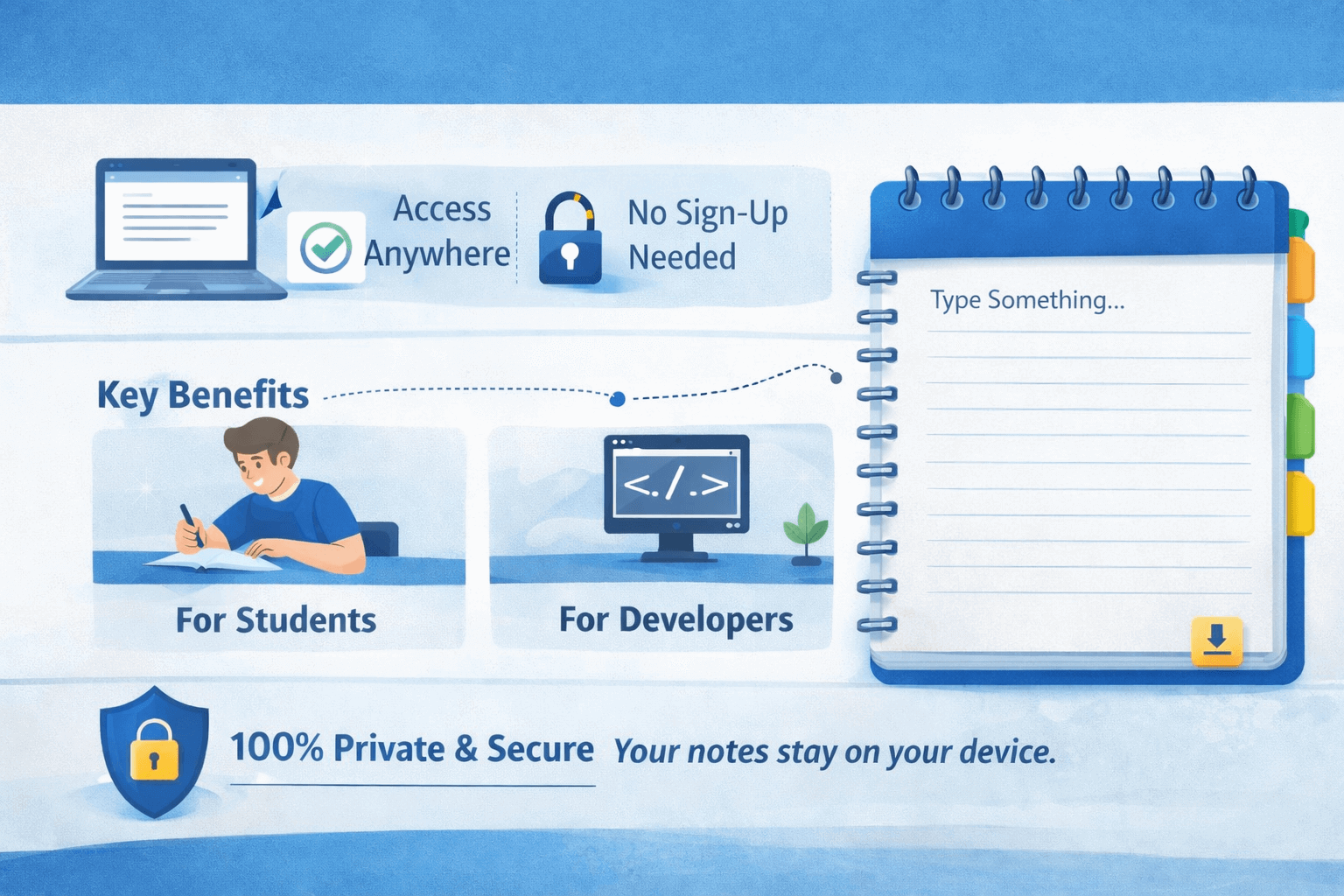
What makes a tool like the one on Everytoolfy.com especially useful is its no-friction approach. There are no subscription fees, no passwords to remember, and no accounts to create. It is designed for instant use—just open the page and start writing.
“Why not just use a physical notebook?” you may ask. While paper notepads are appealing, digital notepads offer unmatched benefits that physical notebooks simply can’t provide.
Physical notebooks can be misplaced or left at home, but an online notepad is accessible from any device with an internet connection. Your notes are just one click away—whether you’re using a desktop at work or a smartphone while commuting.
Nowadays, most productivity apps require you to register, confirm your email, and respond to notifications. Everytoolfy’s Online Notepad removes these barriers. Simply open the website, start typing, and you’re done. This zero-login approach is ideal for quick notes that don’t need to be stored permanently in the cloud.
Modern browsers use “Local Storage” technology, which allows your writing to stay exactly where you left off when you return to the website—even if you accidentally close your browser tab or restart your device.
Using our tool is straightforward, but these tips will help you get the most out of it:
For Students
During online classes, your computer may lag when switching between a large Word document and a video call. Using a lightweight online notepad lets you take real-time, lag-free notes effortlessly.
For Developers and Coders
When switching between files in your IDE, you often need a “scratchpad” to store small bits of information like JSON, URLs, or logic flows. An online notebook is ideal for short-term storage and quick access to these snippets.
For Content Creators
Inspiration can strike at any time, whether you are a blogger or a YouTuber. With an online notepad, you’ll never lose a brilliant idea when outlining your scripts, titles, or content.
Privacy is a top concern with online tools, and user security is our highest priority at Everytoolfy.com. Our notepad operates mostly on the client-side, meaning that any text you enter stays in your browser’s memory and is never uploaded to our servers.
Unlike “Big Tech” note apps that scan your data for advertisements, our utility tool is secure, private, and anonymous. Your notes remain completely private, and only you have access to them.
The notebook is just one component of the Everytoolfy.com ecosystem, yet a powerful tool on its own. Our mission is to save you time by providing all essential web tools in a single, convenient location.
Finding the simplest tool to complete your task is more important for productivity than using the most sophisticated software. Everytoolfy.com’s Online Notepad is designed to be that tool—fast, free, and focused on helping you capture your thoughts without distractions.
Stop wasting time on complex apps. Try our Online Notepad at Everytoolfy.com and experience faster, cleaner, and more efficient work today!
EveryToolfy provides fast, free online tools for everyday tasks, including documents, photos, videos, SEO, calculators, security checks, and AI utilities.