The simple and intuitive design allows anyone to compress PDF files easily, even without technical knowledge.

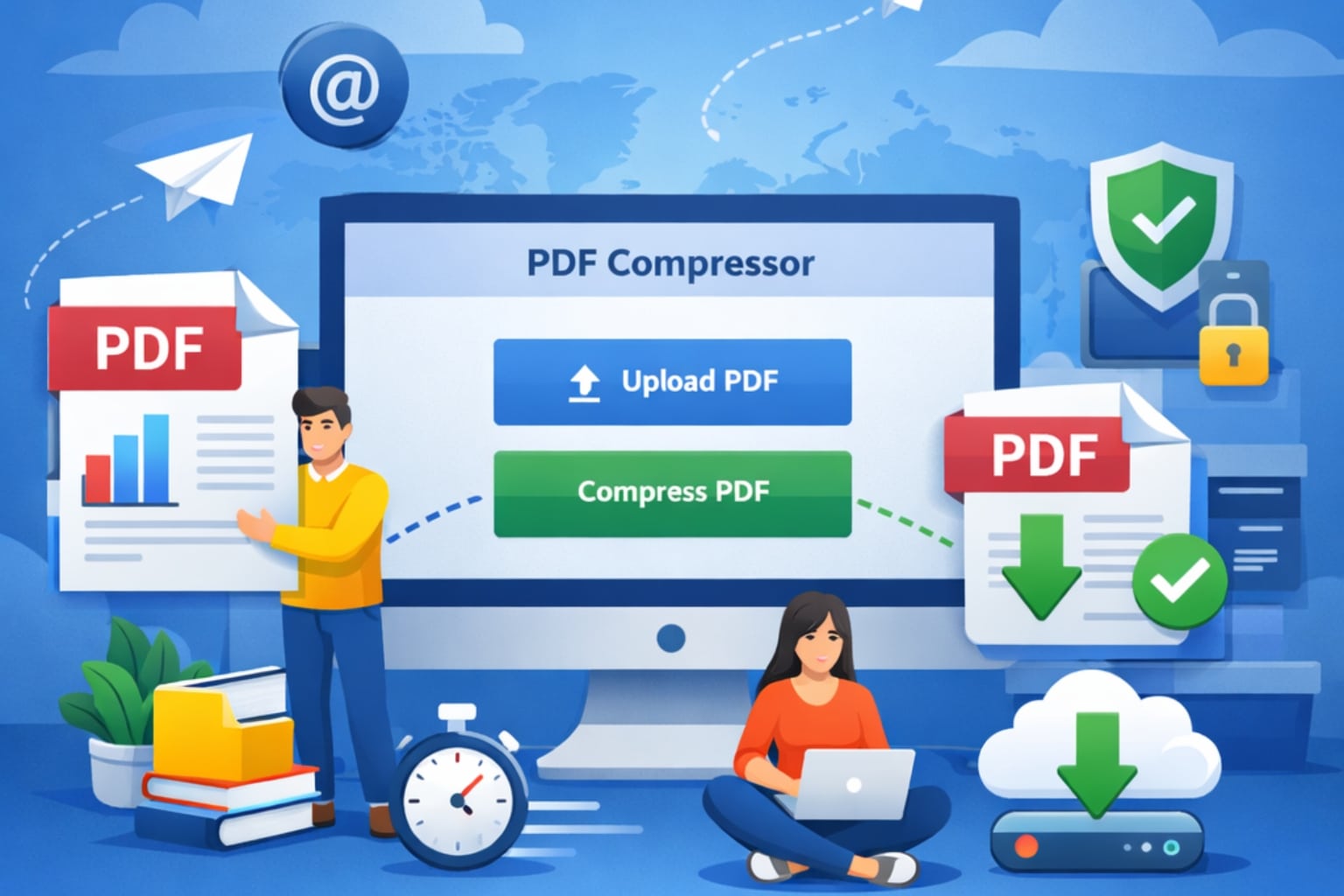
PDF files are widely used for sharing documents because they preserve formatting across all devices and platforms. However, large PDF files can create problems when uploading, emailing, or storing them online. This is where a Free Online PDF Compressor becomes extremely useful.
A PDF compressor allows you to reduce the size of your PDF files without significantly affecting the document’s quality. Compressing PDFs improves efficiency whether you are a student submitting assignments, a professional sharing reports, or a website owner optimizing files for faster loading.
With the EveryToolfy PDF Compressor, you can quickly reduce your PDF file size directly from your browser without installing any software. The tool is designed to be fast, secure, and user-friendly, making it suitable for anyone who needs quick PDF compression.
In this guide, you will learn how to use a free online PDF compressor, explore its key features, understand device compatibility, and discover who can benefit from using it.
Using an online PDF compressor tool takes only a few seconds. Follow these simple steps to quickly reduce the size of your PDF file without losing quality.
Visit EveryToolfy.com and navigate to the Document Tools section. Select the PDF Compressor tool to begin the process.
Click the Upload or Choose File button and select the PDF file you want to compress from your device.
After uploading the file, click the Compress PDF button. The tool will automatically start reducing the file size.
The system will quickly process your document. Depending on the file size, this may take only a few seconds.
Once the compression is complete, click the Download button to save the compressed version of your PDF file to your device.
You can now store the compressed PDF on your device, send it via email, or upload it wherever needed.
This simple process helps reduce PDF file size while maintaining readability and document quality.
The EveryToolfy PDF Compressor is a powerful and reliable online tool designed to reduce PDF file sizes quickly while maintaining high document quality. It offers several useful features that make it an excellent choice for both personal and professional use.
The tool is completely free, allowing users to compress PDF files without paying any fees.
PDF files are compressed within seconds, saving time and improving workflow efficiency.
Even after compression, the tool preserves the clarity and readability of text, images, and other document elements.
The compressor works entirely within your web browser, so there is no need to download or install any software.
All uploaded files are handled securely to protect user data and privacy.
The simple and intuitive design allows anyone to compress PDF files easily, even without technical knowledge.
The tool can efficiently compress large PDF documents without difficulty.
It works smoothly on smartphones, tablets, laptops, and desktop computers.
Because of these powerful features, the EveryToolfy PDF Compressor is an ideal solution for users who need a quick, safe, and efficient way to reduce PDF file sizes online.
One of the biggest advantages of using an online PDF compressor is its wide compatibility with almost all devices and operating systems. Since the tool works entirely online, users can access it anytime and from anywhere without installation.
The EveryToolfy PDF Compressor is compatible with the following devices and platforms:
Windows Computers
Mac (macOS) Devices
Android Smartphones and Tablets
iPhones and iPads (iOS Devices)
Linux-Based Systems
In addition, the tool works smoothly on all modern web browsers, including:
Google Chrome
Microsoft Edge
Mozilla Firefox
Safari
Because the PDF compressor operates directly in your browser, there is no need to download software or worry about updates. This ensures a fast, convenient, and seamless experience across all devices.
A free online PDF compressor is useful for many different types of users who regularly work with PDF documents. Below are some common examples:
Students often submit assignments, research papers, and projects in PDF format. Large file sizes can sometimes cause upload issues on school or university portals. By compressing PDFs, students can upload their files faster and more easily.
Professionals frequently share documents such as reports, presentations, contracts, and invoices in PDF format. Compressing these files makes them easier to email, upload, and share with colleagues or clients.
Freelancers such as writers, designers, and developers often send documents to clients. Smaller PDF files help reduce upload time and make the overall workflow more efficient.
Website and blog owners can compress PDFs before uploading them. This helps reduce storage usage and improves website loading speed, which is also beneficial for SEO.
Creators who provide eBooks, guides, tutorials, or other downloadable materials can optimize file sizes to deliver a smoother and faster user experience.
Using a PDF compression tool offers several benefits, especially for users who frequently share or upload documents online. Below are some of the key advantages:
Smaller PDF files upload much faster to websites, cloud storage services, and online platforms. This helps save time and improves overall productivity.
Many email services have limits on attachment sizes. Compressing a PDF helps reduce the file size so it can be sent easily without exceeding email limits.
Compressed files take up less storage space on your device, cloud storage, or server, making it easier to manage large numbers of documents.
Optimized and compressed PDF files load faster when shared on websites or blogs, which improves page speed and enhances SEO performance.
Smaller documents are easier to share through messaging apps, social media platforms, and collaboration tools.
This article is intended for informational purposes only. EveryToolfy.com provides a free online PDF compression tool designed to help users reduce the size of their PDF files quickly and easily.
Please note that the level of file size reduction may vary depending on the document’s formatting, images, fonts, and overall content. While the tool aims to maintain the quality and readability of the document, results may differ from file to file.
Users are strongly advised to keep a backup copy of their original files before performing any modifications, including PDF compression.
EveryToolfy provides fast, free online tools for everyday tasks, including documents, photos, videos, SEO, calculators, security checks, and AI utilities.