
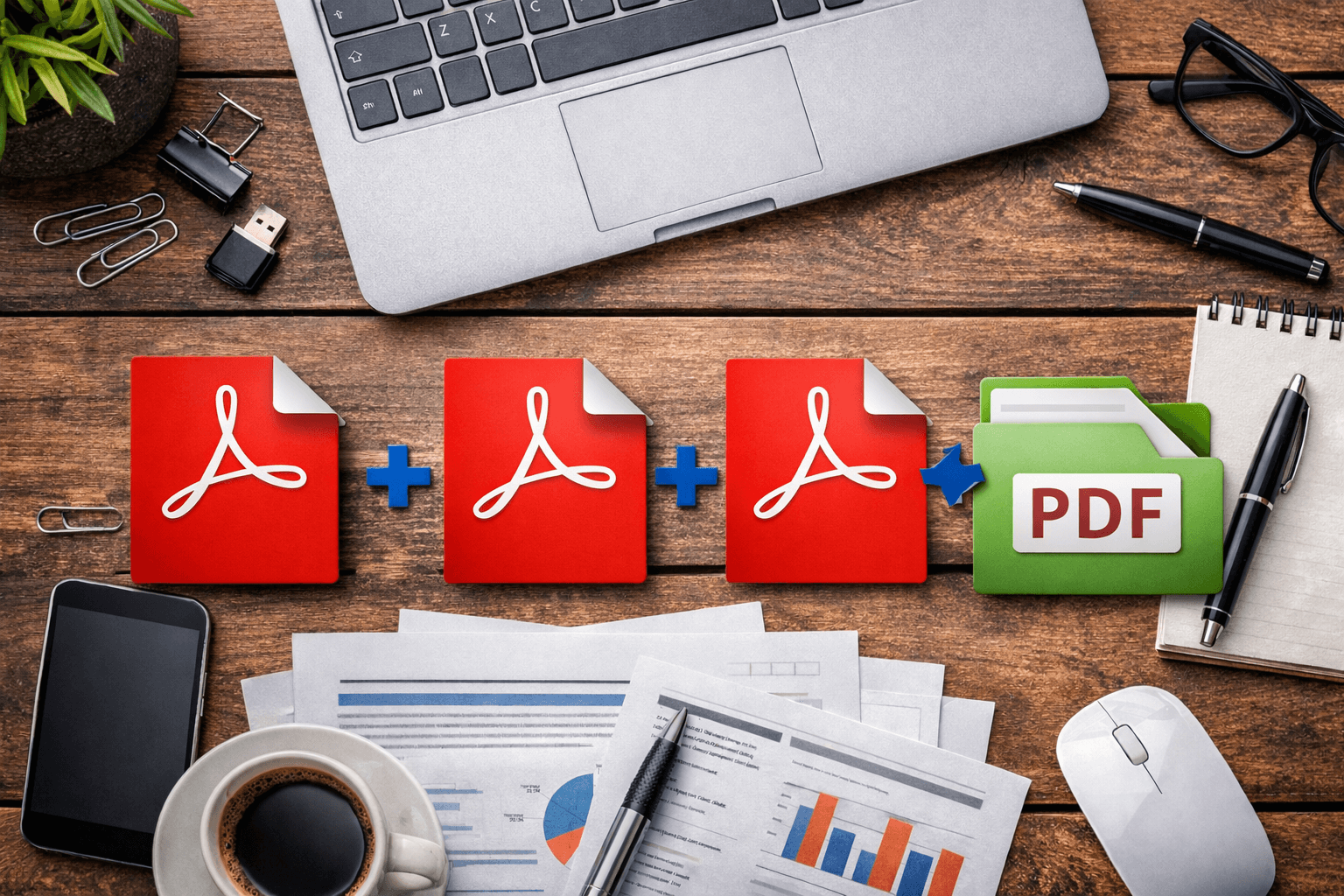
Managing multiple PDF files can be challenging, especially when you need to share documents, reports, or assignments as a single file. With a free online PDF merger, you can effortlessly combine several PDF documents into one organized, professional file. This saves time and ensures your documents remain easy to manage, whether you’re a student, freelancer, or office professional.
Using EveryToolfy.com, you can merge PDF files online without installing software or creating an account. The tool is fast, secure, and accessible from any device, making it the perfect solution to combine files anytime, anywhere directly from your browser.
Merging PDF files online is quick and easy. Follow these simple steps to combine your documents using the EveryToolfy Merge PDF tool:
Open the PDF Merge Tool
Visit EveryToolfy.com and navigate to the Merge PDF Online Free tool.
Upload Your PDF Files
Click Upload or Choose Files to select the PDF documents from your device that you want to merge.
Arrange Your PDFs
Drag and drop your uploaded files to reorder them in the sequence you want them to appear in the final document.
Click “Merge”
Start the merging process by clicking the Merge PDF button.
Download Your Combined PDF
Once the process is complete, your merged PDF will be ready. Click Download to save the final file to your device.
The entire process usually takes less than a minute, depending on your file sizes and internet speed.
The EveryToolfy Merge PDF tool offers powerful features designed to simplify PDF management and enhance productivity:
Fast PDF Merging – Combine multiple PDF files within seconds.
No Installation Required – Operates entirely online, directly from your browser.
Free to Use – Merge PDFs without purchasing expensive software.
Drag & Drop Upload – Easily upload files by dragging them into the tool.
Secure File Processing – Your files are handled securely and automatically deleted from servers.
Unlimited File Merging – Combine as many PDF files as you need.
Maintain Original Quality – Documents retain their clarity and formatting.
User-Friendly Interface – Simple enough for beginners, yet efficient for professionals.
These features make EveryToolfy’s Merge PDF tool an ideal solution for fast, secure, and convenient document management and sharing.
One of the biggest advantages of using an online PDF merger is its broad device compatibility. The EveryToolfy Merge PDF tool works seamlessly across multiple platforms, making it easy to combine PDFs anytime, anywhere.
Desktop computers
Laptops
Tablets
Smartphones
Windows
macOS
Linux
Android
iOS
Google Chrome
Mozilla Firefox
Microsoft Edge
Safari
Since the tool runs entirely in your browser, you can merge PDF files online without installing any software or apps. This makes EveryToolfy a convenient solution for fast, on-the-go PDF management.
The Merge PDF Online Free tool is ideal for anyone who frequently works with documents. It is simple enough for beginners but powerful enough for professionals. Here’s who can benefit the most:
Students
Combine notes, research papers, and assignments into a single PDF before submitting your work.
Office Employees
Merge reports, invoices, presentations, and contracts into well-organized PDF files for efficient workflow.
Freelancers & Independent Contractors
Create polished project files, proposals, and portfolios for clients by combining multiple PDFs into one professional document.
Teachers & Educators
Organize worksheets, lecture notes, and educational materials into a single PDF for easy distribution to students.
Business Owners
Combine contracts, invoices, and records for convenient storage, sharing, and documentation management.
Content Creators
Merge ebooks, tutorials, instructions, and other digital content into one downloadable PDF for easy distribution.
This tool is designed to save time, improve organization, and simplify PDF management for users across all fields.
The purpose of this article is to provide useful information about merging PDF files online. EveryToolfy.com’s Merge PDF tool allows users to easily combine PDF files quickly and securely. Before using the tool, users should ensure they have the right to merge or share documents, particularly if the files contain sensitive or copyrighted information. This tool is intended for legitimate use only and helps simplify PDF management for personal, educational, or professional needs.
EveryToolfy provides fast, free online tools for everyday tasks, including documents, photos, videos, SEO, calculators, security checks, and AI utilities.