
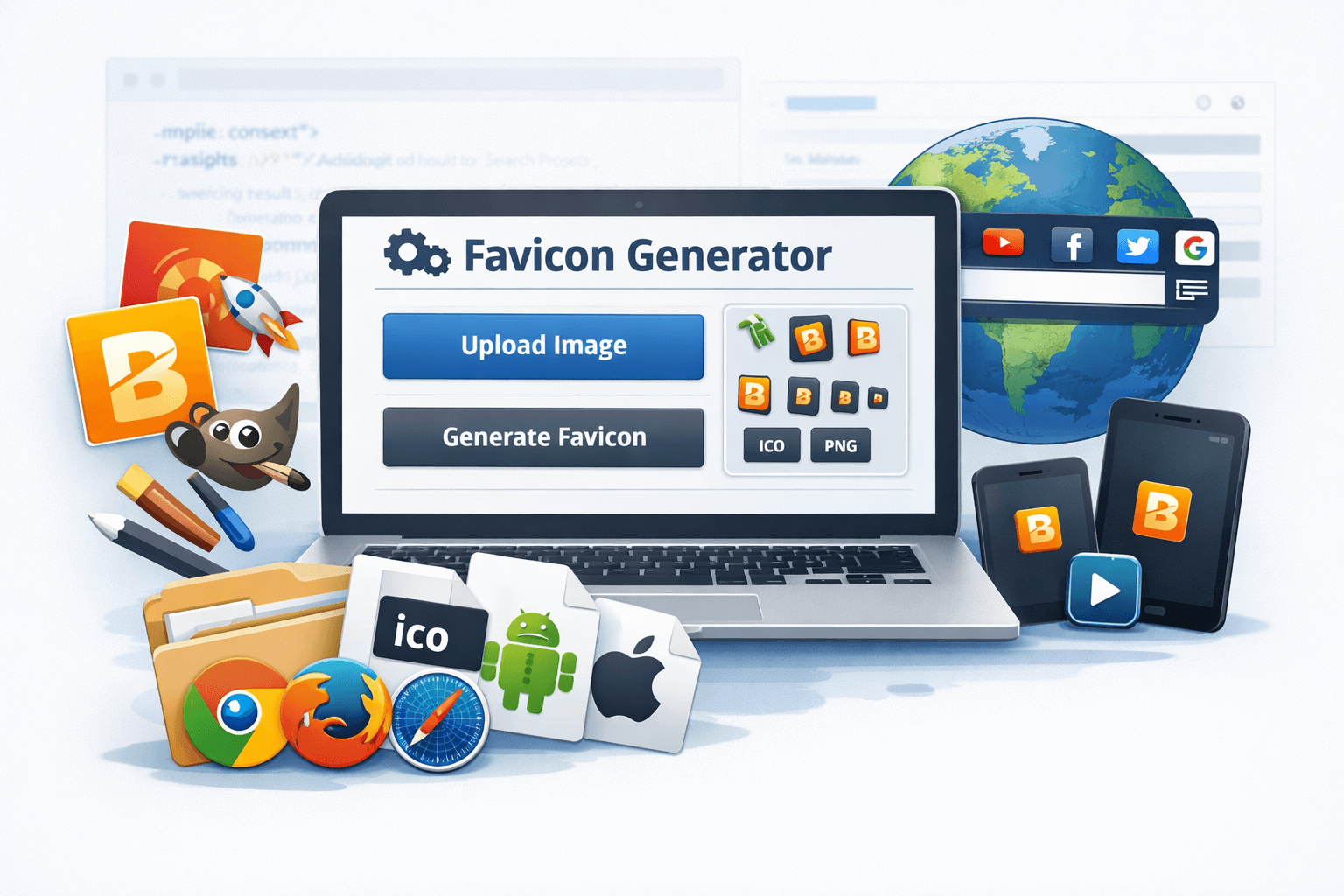
A favicon is a small but powerful element of any website. It is the tiny icon that helps users identify your website in search results, bookmarks, and browser tabs. A well-designed favicon enhances user experience, strengthens branding, and gives your website a professional look.
In the past, creating a favicon required graphic design skills and image editing software like Adobe Photoshop or GIMP. Today, thanks to modern web tools, the process is quick and simple. With a free online favicon generator, you can convert any image into a properly formatted favicon in just a few seconds.
Tools like the Favicon Generator on EveryToolfy.com allow you to upload an image and instantly create favicon files that are compatible with all major browsers—no software installation required.
This guide will explain what a favicon is, why it matters, and how to create one step by step using a free online favicon generator.
A favicon, short for favorite icon, is a small image associated with a website. It typically appears in:
Browser tabs
Bookmark lists
Address bars
Mobile browser shortcuts
Search results
While modern websites may use larger icons for high-resolution displays, favicons are generally 16×16 or 32×32 pixels.
Popular platforms like Facebook, YouTube, and Google use recognizable favicons to strengthen their brand identity.
Even though favicons are small, they play a vital role in helping users identify and remember your website, improving both user experience and brand recognition.
Adding a favicon to your website offers several key benefits:
A favicon acts as a small logo for your website, making it easier for users to identify your site when multiple tabs are open.
Websites without a favicon often display a generic browser icon, which can make the site appear unfinished or less trustworthy.
Favicons appear next to the bookmark title, making it easier for users to locate your website in their bookmarks.
Favicons enable quick tab navigation, which is especially helpful when several webpages are open simultaneously.
Many favicon generators create icons for progressive web apps, iOS, and Android, ensuring your favicon works seamlessly across all devices and platforms.
By adding a favicon, you strengthen your brand, enhance professionalism, and improve the overall user experience on your website.
Creating a favicon is simple with an online tool. Follow these steps to design your website icon quickly and efficiently:
Choose a clear and simple image before generating your favicon. The best options include:
A logo
A brand emblem
The first letter of your brand name
Avoid complex images, as they may not display clearly due to the small size of favicons.
Visit EveryToolfy.com and select the Favicon Generator. This tool allows you to convert images into favicon formats quickly.
Most favicon generators support commonly used formats, including:
PNG
JPG
SVG
ICO
By following these steps, you can create a professional-looking favicon that works across all browsers and devices.
Click the Upload Image button and select the file from your device. For optimal results:
Use a square image
Minimum recommended size is 512 x 512 pixels
A transparent background works best
Once uploaded, the generator will automatically process your image.
After uploading, click the Generate Favicon button. The tool will:
Resize the image to fit different favicon dimensions
Convert the file to the ICO format
Create versions compatible with both browsers and mobile devices
This process usually takes only a few seconds.
Once the favicon is generated, download the file bundle. Most favicon generators include:
The standard browser icon (favicon.ico)
PNG icons in various sizes
Mobile app and device icons
Save these files on your computer for use on your website.
Use your hosting control panel or file manager to upload the favicon files to your website’s root directory.
For example, upload the standard file as:
favicon.ico in your website’s root folder
Add the following code to the <head> section of your website HTML:
If you are using platforms like WordPress or Shopify, you can also upload the favicon directly via theme customization settings.
A reliable favicon generator should include the following features to ensure high-quality and versatile icons:
Multiple Icon Sizes
Support for different sizes to work across browsers, desktops, and mobile devices.
ICO and PNG Format Support
Ability to generate favicons in both ICO and PNG formats for full compatibility.
Automatic Resizing
The tool should automatically adjust images to fit various favicon dimensions.
High-Quality Output
Icons should maintain clarity and sharpness, even at small sizes.
Mobile Device Compatibility
Favicons should work seamlessly on iOS, Android, and other mobile platforms.
Instant Download Options
Users should be able to download all favicon files quickly after generation.
These features make it easy for users to create professional and fully compatible favicons quickly and efficiently using tools like the EveryToolfy Favicon Generator.
Modern favicon generators ensure compatibility with a wide range of operating systems and web browsers, including:
Mozilla Firefox
Google Chrome
Safari
Microsoft Edge
They also create mobile-friendly icons compatible with:
Android devices
iOS devices
This ensures that your website’s favicon displays correctly across desktops, tablets, and smartphones, providing a consistent and professional appearance for all users.
A favicon generator is useful for a wide variety of users, making it easy to create professional icons quickly.
A favicon strengthens branding for blogs, business websites, or personal sites, helping users easily recognize your website.
Bloggers can use favicons to establish a distinctive brand for their bookmarks and blog posts.
Developers can quickly generate favicon files for client websites without needing advanced design software.
Favicons help increase brand visibility in browser tabs and bookmarks, which is especially beneficial for e-commerce sites.
Even non-designers can create professional favicons easily using online tools, without prior graphic design experience.
With a favicon generator, anyone—regardless of skill level—can create high-quality, recognizable icons for their websites.
Follow these tips to design an effective and professional favicon:
Keep the Design Simple and Bold
A clean and straightforward design ensures your favicon is easily recognizable.
Use High-Contrast Colors
Choose colors that stand out to make your favicon more visible, even at small sizes.
Avoid Excessive Details
Too many details can become unreadable when the favicon is scaled down.
Use a Square Image
Favicons are typically square, so design your image accordingly for proper display.
Test Across Multiple Browsers
Check how your favicon appears on different browsers and devices to ensure consistency.
A well-designed favicon should remain clear and identifiable even at 16×16 pixels, providing a professional and memorable touch to your website.
The EveryToolfy Favicon Generator is provided for general use and convenience. While the tool strives to generate favicon files compatible with most browsers and devices, users should verify compatibility with their specific website platform and design requirements.
Before creating favicon files, ensure you have the necessary rights or permission to use any uploaded images or logos.
EveryToolfy provides fast, free online tools for everyday tasks, including documents, photos, videos, SEO, calculators, security checks, and AI utilities.