
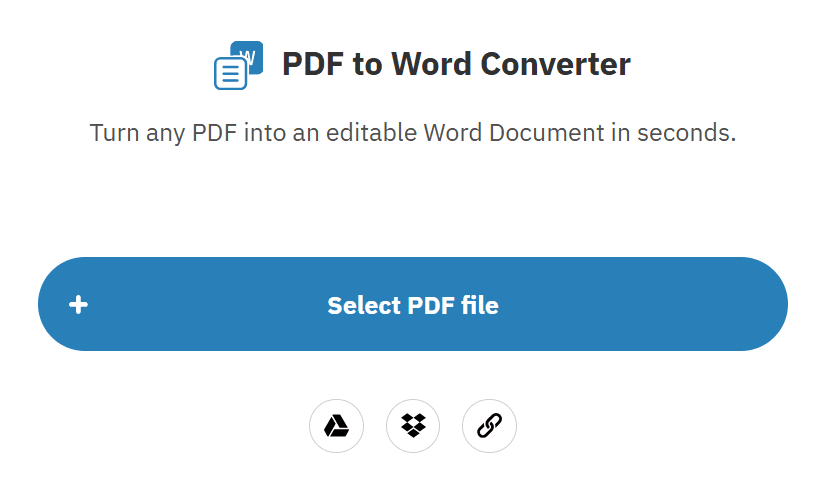
Easily convert your PDF files into fully editable Microsoft Word (DOC/DOCX) documents with our PDF to Word Converter. This online tool is perfect for editing, copying, or reusing content without retyping, as it preserves the original formatting, images, and text structure. The converter is fast, secure, and works directly in your browser—no software installation required.
Turn your PDFs into fully editable Word (DOC/DOCX) files in seconds with our online PDF to Word Converter. This tool is perfect for editing, reusing, or copying content without losing the original formatting, images, tables, or text layout.
Select Your PDF File – Click the “Upload PDF” button and choose the file from your computer, tablet, or mobile device.
Automatic Upload and Processing – Your file is securely uploaded, and the conversion process starts immediately.
Choose Word Format – Pick either DOC or DOCX as your output format.
Convert the PDF – Hit “Convert to Word” to start the transformation.
Download and Edit – Save your new Word document instantly and start editing right away.
This online converter is fast, safe, and requires no software installation or registration. Whether you’re working on reports, assignments, or personal documents, it ensures your converted Word file retains the exact formatting of the original PDF for effortless editing.
Fast and accurate conversion – Quickly transform PDF files into editable Word documents.
Preserves original formatting – Maintains fonts, images, tables, and layout.
Supports DOC and DOCX formats – Compatible with all Microsoft Word versions.
No software installation required – Fully online and ready to use.
Secure file processing – Files are automatically deleted after conversion to ensure privacy.
Works on all browsers and devices – Desktop, tablet, and mobile-friendly.
No registration needed – Convert PDFs to Word instantly without signing up.
Our PDF to Word Converter is fully compatible with a wide range of devices and platforms:
Desktop computers: Linux, macOS, and Windows
Mobile devices: iOS and Android smartphones and tablets
Web browsers: Chrome, Firefox, Edge, Safari, and other modern browsers
Word editors: Microsoft Word, Google Docs, and other DOC/DOCX-compatible applications
No matter which device or platform you use, you can quickly convert PDF files to editable Word documents directly from your browser.
This online tool is ideal for anyone who needs to convert PDFs into editable Word documents, including:
Students transforming lecture notes, research papers, and study materials
Teachers and educators creating editable lesson plans and documents
Office professionals editing reports, contracts, and official paperwork
Content writers and freelancers reusing or repurposing PDF content
Business users managing forms, proposals, and agreements
Anyone who wants a fast and easy way to edit PDF content
This converter makes it simple for users of all backgrounds to work with PDFs efficiently and accurately.
The PDF to Word Converter is designed to make document conversion simple and efficient. While we aim to preserve the original formatting, fonts, images, tables, and layout, the results may vary depending on the complexity or quality of the PDF file. Users should carefully review their converted Word documents before using them for professional, academic, or official purposes.
We respect your privacy: uploaded files are never stored, shared, or misused. This tool provides a safe, reliable, and hassle-free way to convert PDFs to editable Word documents online.
EveryToolfy provides fast, free online tools for everyday tasks, including documents, photos, videos, SEO, calculators, security checks, and AI utilities.