
Convert your JPG images to lossless PNG format instantly and for free.
or drag and drop files here (Max 40MB)
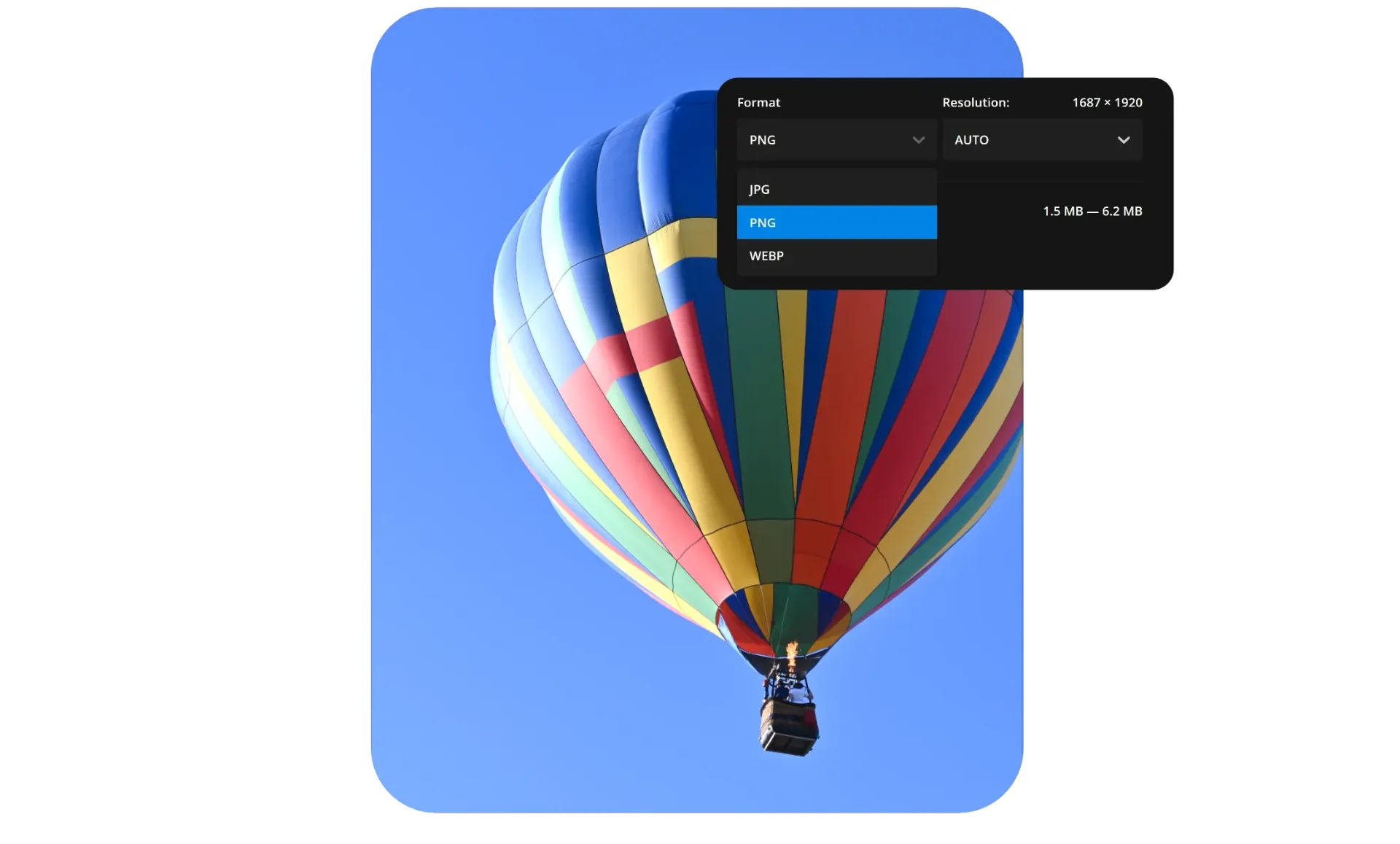
With our JPG to PNG Converter, you can quickly and easily convert JPG images into PNG format without losing quality. PNG images are ideal for web design, graphic projects, and professional use, as they support transparent backgrounds and maintain crisp, clear visuals. This online tool is fast, secure, and requires no software installation—simply upload and convert your images in seconds.
Follow these simple steps to convert JPG images to PNG format:
Click the “Upload JPG Image” button.
Select the JPG file from your device.
The tool will automatically convert your JPG to PNG.
Once the conversion is complete, click “Download PNG Image”.
Save the converted image to your device.
This process is quick, easy, and user-friendly, suitable for anyone needing fast JPG to PNG conversion.
High-quality image conversion with no loss of clarity
Supports transparent backgrounds in PNG format
Fast and secure processing for every image
No registration or login required
Compatible with all devices, including desktop and mobile
Completely free online tool
Maintains original image resolution for professional use
This JPG to PNG converter is fully compatible with all major platforms and devices:
Operating Systems: Linux, macOS, and Windows
Mobile Devices: iOS and Android smartphones and tablets
Web Browsers: Firefox, Safari, Edge, and Google Chrome
Device Types: Mobile, tablet, and desktop browsers
You can convert JPG to PNG online anytime, anywhere, directly from your browser—no software installation required.
This JPG to PNG converter is perfect for a wide range of users, including:
Teachers and students preparing educational materials
Graphic designers creating high-quality visuals
Web developers optimizing images for websites
Online marketers and advertisers managing digital content
Content creators producing images for blogs and social media
Office professionals handling image files
Anyone who needs to quickly convert images
No technical expertise is required—the tool is simple, fast, and user-friendly.
This JPG to PNG converter is intended for general, everyday use only. All uploaded files are securely processed and are never misused, shared, or stored. Users are responsible for ensuring they have the legal rights to use and modify their images. For safety, it is recommended to back up your original files before conversion.
EveryToolfy provides fast, free online tools for everyday tasks, including documents, photos, videos, SEO, calculators, security checks, and AI utilities.