
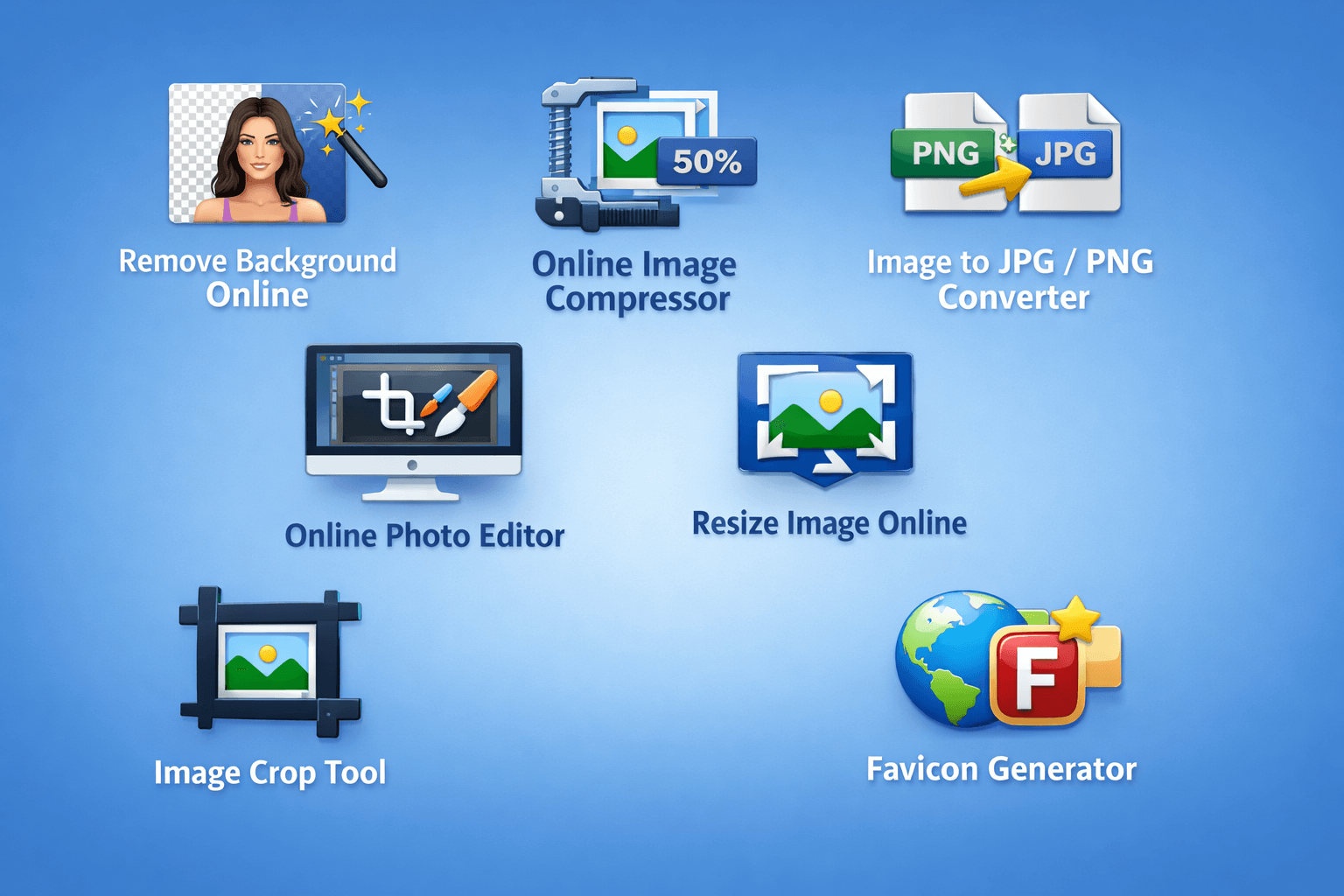
Images play a vital role in websites, social media, eCommerce, and digital marketing today. Whether you are a blogger, designer, student, or business owner, you often need simple and reliable tools to edit and optimise images without installing complex software.
This is where online image tools come in. With just a few clicks, you can remove backgrounds, compress images, convert file formats, resize photos, and even create favicons directly from your browser.
In this post, we will explore the best online image tools and how they can help you save time, improve image quality, and boost overall website performance.
Manually removing image backgrounds can be time-consuming and require design expertise. With AI technology, you can quickly remove backgrounds using an online background remover.
This tool is perfect for:
Simply upload your picture, and within seconds the background is instantly removed. No Photoshop, no prior experience, and no registration required.
Key Benefits:
Large image files can negatively impact SEO rankings and slow down website performance. Using an online image compressor helps reduce image size without sacrificing visual quality.
This tool is ideal for:
Images can be compressed before sharing online or uploading to your website, reducing file size without losing quality.
Key Benefits:
Different platforms require different image formats. With our free online image converter, you can quickly and easily convert photos to JPG or PNG without losing quality.
When is this tool useful?
The image quality is preserved, and the conversion process is fast and hassle-free.
Key Advantages:
Fully browser-based, no installation required
You don’t need to install any software to make quick edits using an online picture editor. With this tool, you can crop, rotate, brighten, and perform basic photo editing directly in your browser.
Perfect For:
Key Benefits:
Different platforms require different image dimensions. With an online picture resizer, you can easily resize your photos by percentage or pixels without losing quality.
This is especially useful for:
To avoid distortion, you can maintain the original aspect ratio.
Key Advantages:
Custom height and width for your images
There are times when you only need a portion of an image. With an image crop tool, you can easily remove unwanted parts and focus on the most important elements of your image.
It is commonly used for:
Key Advantages:
A favicon is a small icon that appears in browser tabs and bookmarks, representing your website. Using a favicon generator, you can easily create favicons of various sizes from a single image.
This tool is essential for:
Key Benefits:
Online Picture Tools are affordable, fast, and easily accessible. It doesn’t require expensive software or any technical expertise. They are perfect for both beginners and professionals, as everything works instantly in your browser.
Primary Benefits:
Online image tools provide an all-in-one solution for all your everyday picture needs. Whether you want to remove backgrounds, compress images, convert formats, resize photos, crop images, or create favicons, these tools make it simple and efficient.
Designed to be easy-to-use and straightforward, these tools can boost your productivity, enhance image quality, and speed up your website loading times.
Offering these online image tools on your blog or website can also help increase traffic, user engagement, and overall user satisfaction.
EveryToolfy provides fast, free online tools for everyday tasks, including documents, photos, videos, SEO, calculators, security checks, and AI utilities.